Inviting team members
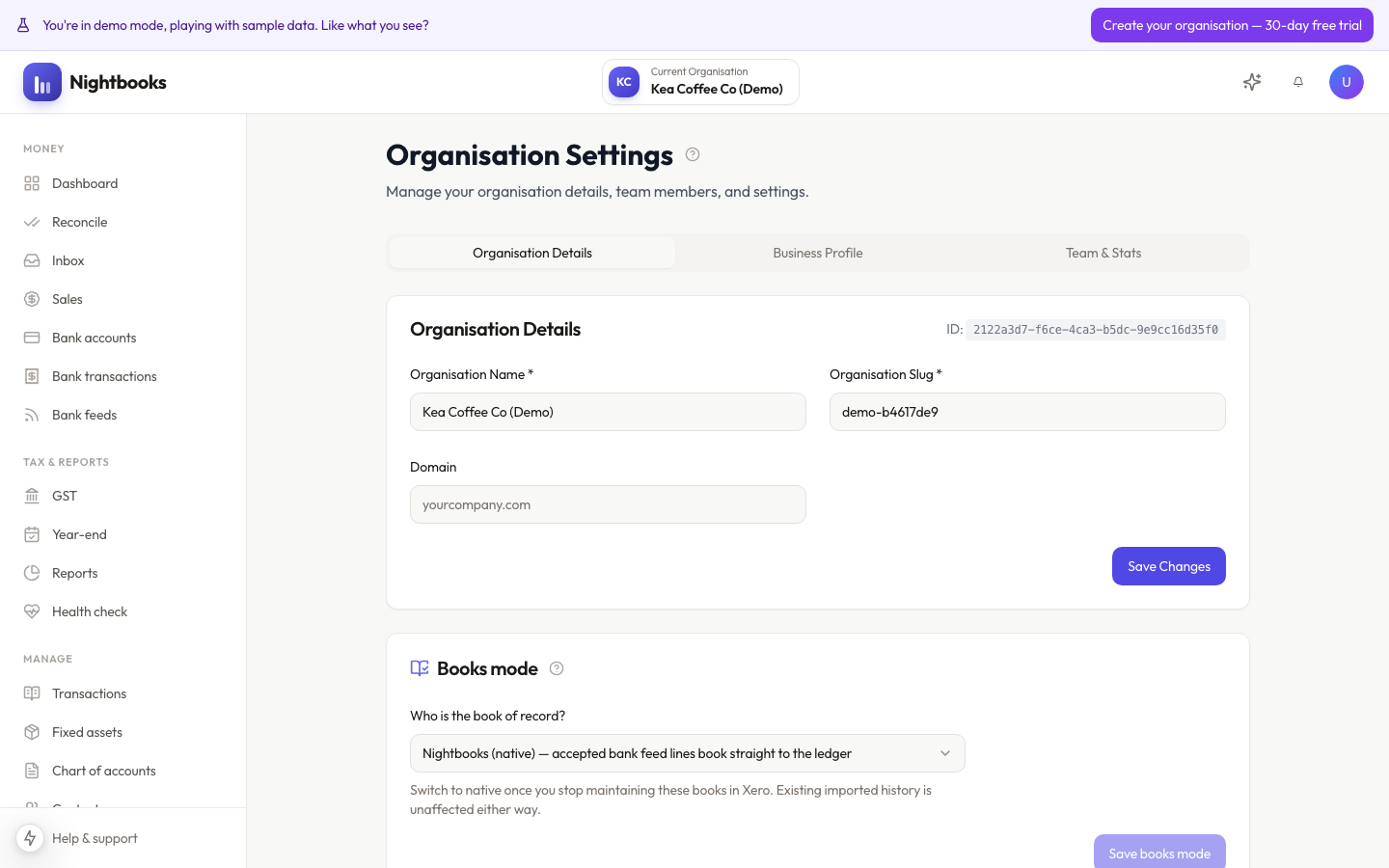
Invite anyone to your organisation from Organisation → Team: enter their email, pick a role, and send. They get an email link that is valid for 7 days.
How invites work
Invitees without a Nightbooks account create one as they accept — no separate signup needed first.
Invitees with an existing account just accept and the organisation appears in their switcher.
Pending invites are listed on the Team page and can be revoked any time before acceptance.
Your plan sets how many users an organisation can have.
Choosing the role
Pick the least access that does the job — see Roles and permissions for the full breakdown. Two common cases: your accountant usually wants admin (full books access, can manage settings), and a bookkeeper doing day-to-day work is a member. Roles can be changed later, so the initial choice is not a commitment.
Inviting your accountant is free of drama: they see live books instead of you exporting things at year-end.