Profit & Loss report

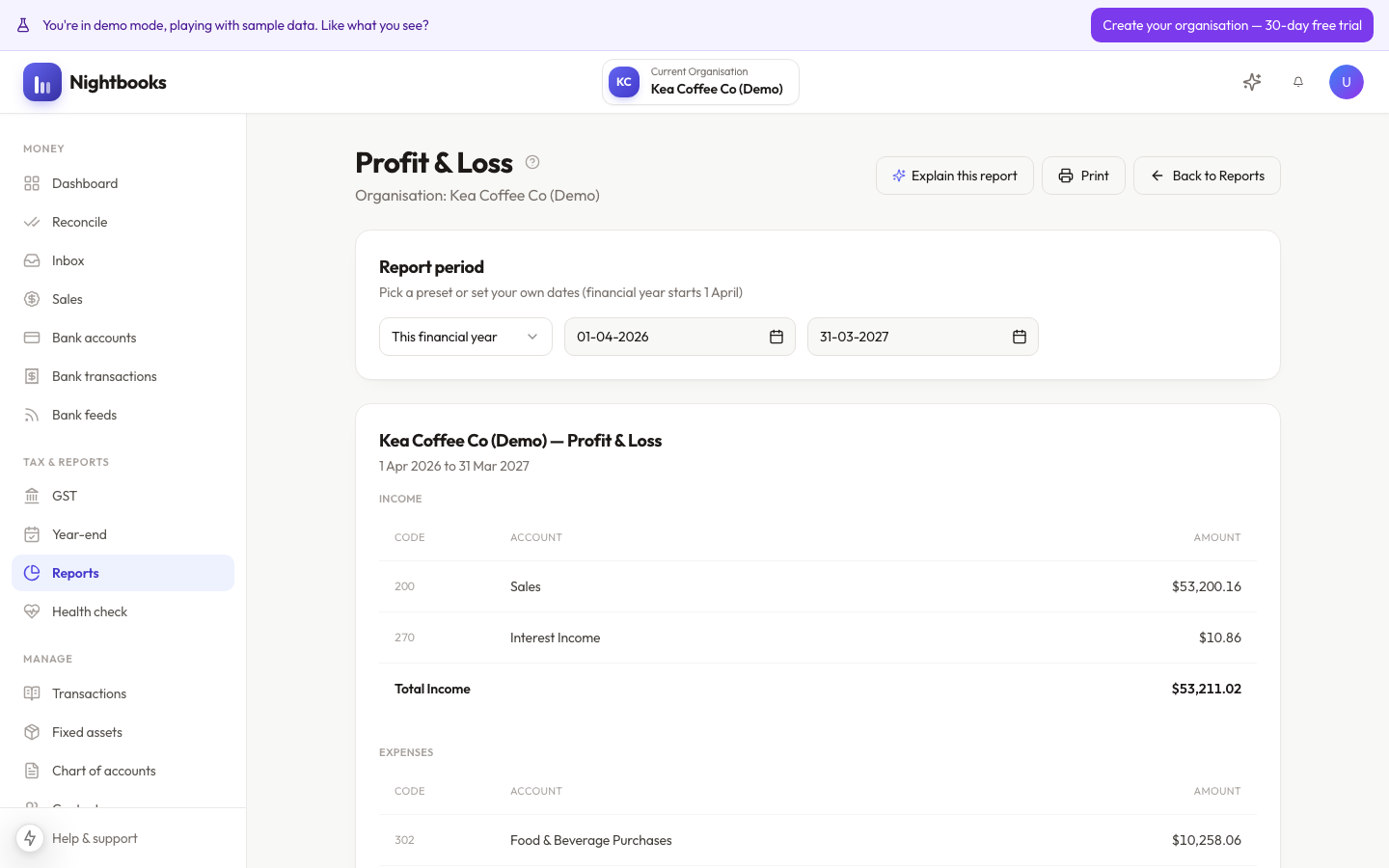
The Profit & Loss shows income earned and expenses incurred over a period, ending in your net profit. It is built live from your ledger — reconcile up to date and the report is up to date, no refresh or rebuild step.
Reading it
Income — everything earned in the period: approved invoices and income coded straight from the bank.
Expenses — grouped by account, so you can see where the money actually goes.
Net profit — the line that matters: what the business made after everything.
Getting more from it
Change the period freely — a month, a quarter, a financial year, or any custom range.
Add comparison columns to spot trends: this period vs last, this year vs last year.
Click any line to see the exact transactions behind it — every number is traceable to source.
Use Ask AI on the report to have the numbers explained in plain language, or to ask why a line moved.
Profit is not cash
A healthy P&L with an empty bank account usually means money is tied up in unpaid invoices, or cash left as drawings, loan repayments or asset purchases — none of which appear as expenses. The Balance Sheet tells that half of the story.
Was this article helpful?