Connecting live bank feeds
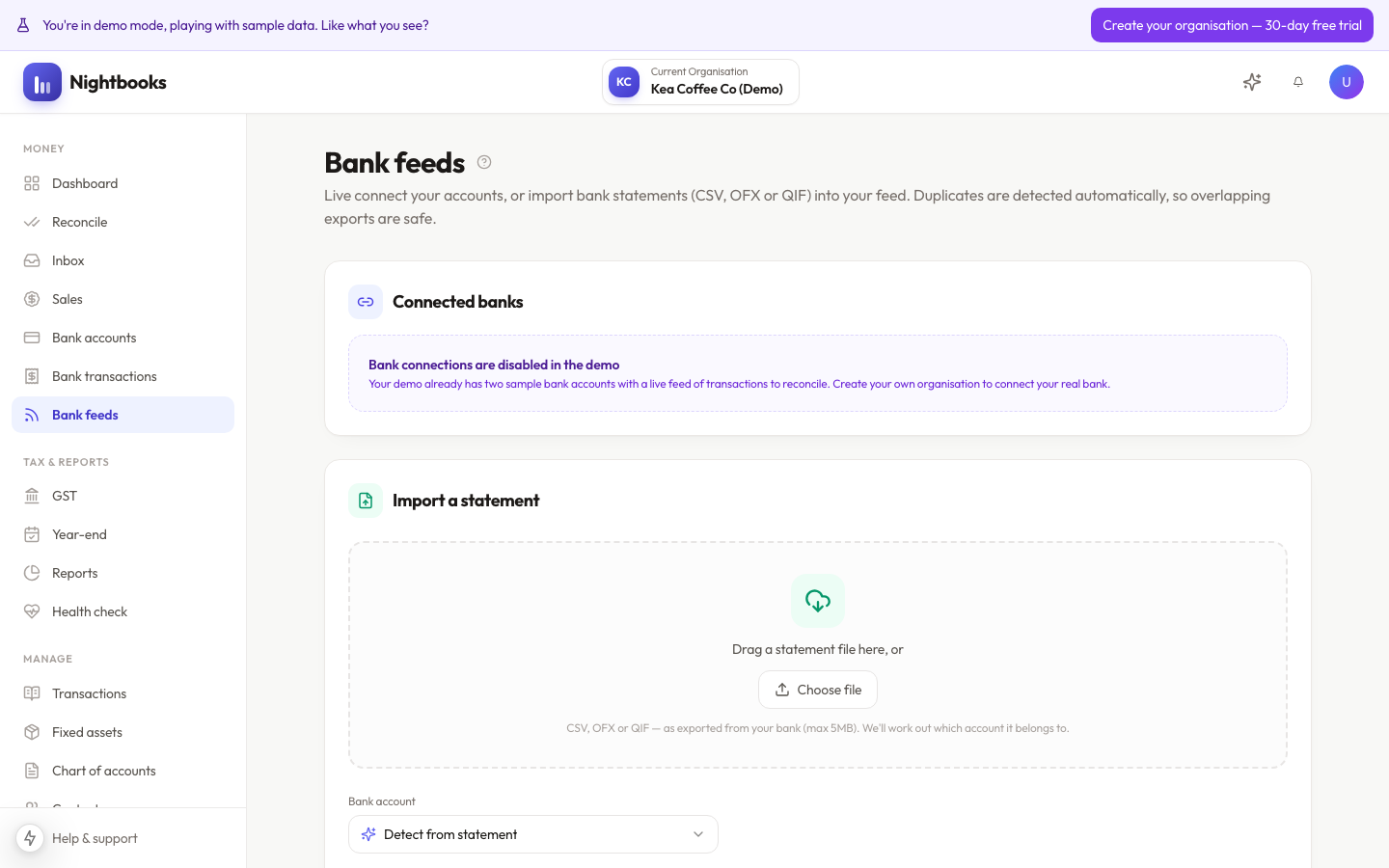
Nightbooks uses Akahu, New Zealand’s open-banking provider, for live bank feeds. You sign in with your bank through Akahu’s secure flow — Nightbooks never sees or stores your bank password.
What gets shared
Transactions and balances for the accounts you choose during the connection flow, and only those. Other accounts at the same bank stay invisible. You can disconnect at any time from the Bank feeds page, which stops all future syncing immediately — transactions already imported stay in your books.
Sync behaviour
Feeds refresh automatically several times a day; you can also trigger a sync on demand.
On first connection most banks provide up to 24 months of history, which arrives in the Reconcile queue.
Each new transaction appears once — Nightbooks de-duplicates against anything it has already seen, including statement uploads.
Balances update with each sync so the Bank accounts page always shows the bank’s view alongside your book balance.
Connection health
Banks expire open-banking consents periodically, so a feed will occasionally ask to be re-authorised. The Bank feeds page shows the status of every connection; a warning badge means it needs attention. See Fixing bank feed connection issues.
Was this article helpful?