How reconciliation works
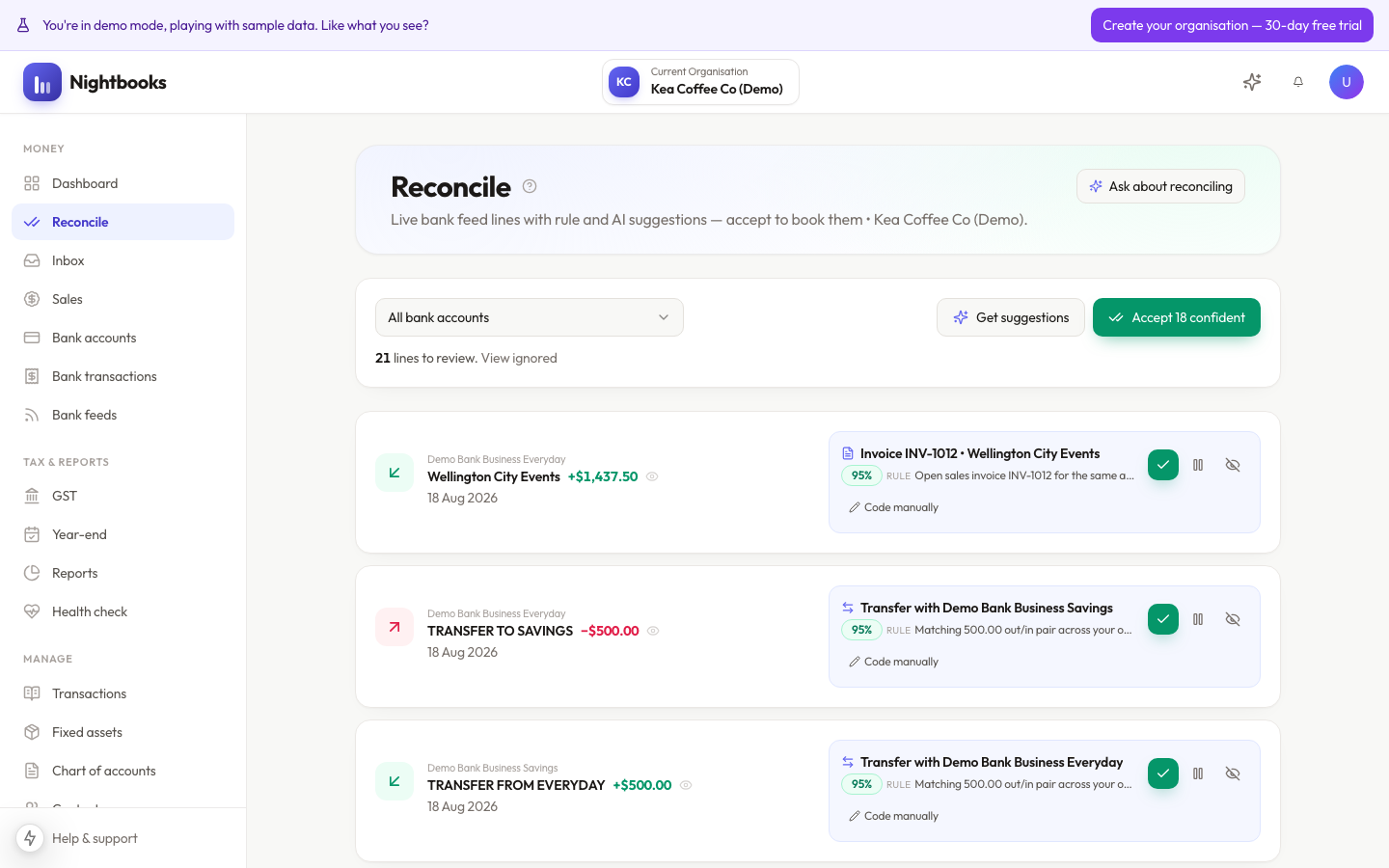
Reconciliation is where bank transactions become accounting records. Each feed line needs to be coded to an account, matched to an invoice or bill, or marked as a transfer — and Nightbooks does the hard part by suggesting the right answer for each one.
The queue
Reconcile shows unprocessed bank transactions, filterable by bank account. For each line, Nightbooks proposes a coding based on three sources, in order: your explicit rules, your own history with that payee, and its AI analysis of the transaction. Every suggestion shows the proposed account, contact, GST treatment, the reasoning behind it, and a confidence level.
Your three moves
Accept — the suggestion is right. A journal is posted to the ledger, the GST treatment is recorded, and the line is done.
Override — change the account, contact or GST treatment first, then accept. Your correction is remembered and similar transactions follow your lead in future.
Ignore — the line is not business activity (rare). It is kept, not deleted, so it stays queryable later.
What accepting actually posts
Accepting a coded line posts a double-entry journal: the bank account on one side, the coded account on the other, with GST split out to the GST account when applicable. Matching a payment to an invoice instead settles the invoice and updates receivables. Marking a transfer moves money between two of your bank accounts with no income or expense at all. The three moves have genuinely different accounting effects — which is why picking the right one matters more than speed.
Working efficiently
Use the bank account filter to work one account at a time — context makes patterns easier to spot.
High-confidence suggestions can be accepted in quick succession; slow down for anything flagged. See What the confidence flags mean.
Accept 0 confident-style bulk actions handle the obvious ones so your attention goes where it is needed.
Little and often beats big batches: a few minutes a day keeps the queue short, the AI sharp, and your reports current.